

Add users
-
Log in to your account portal.
-
Navigate to the Users section.
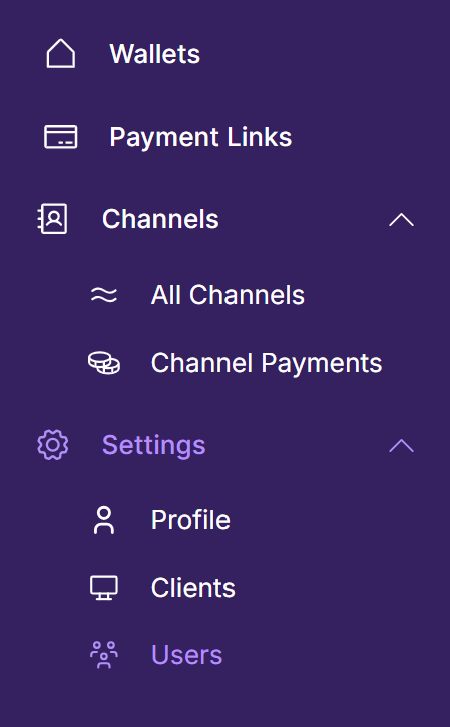
-
Click Create a User in the top-right corner:

-
Complete the details for the user.
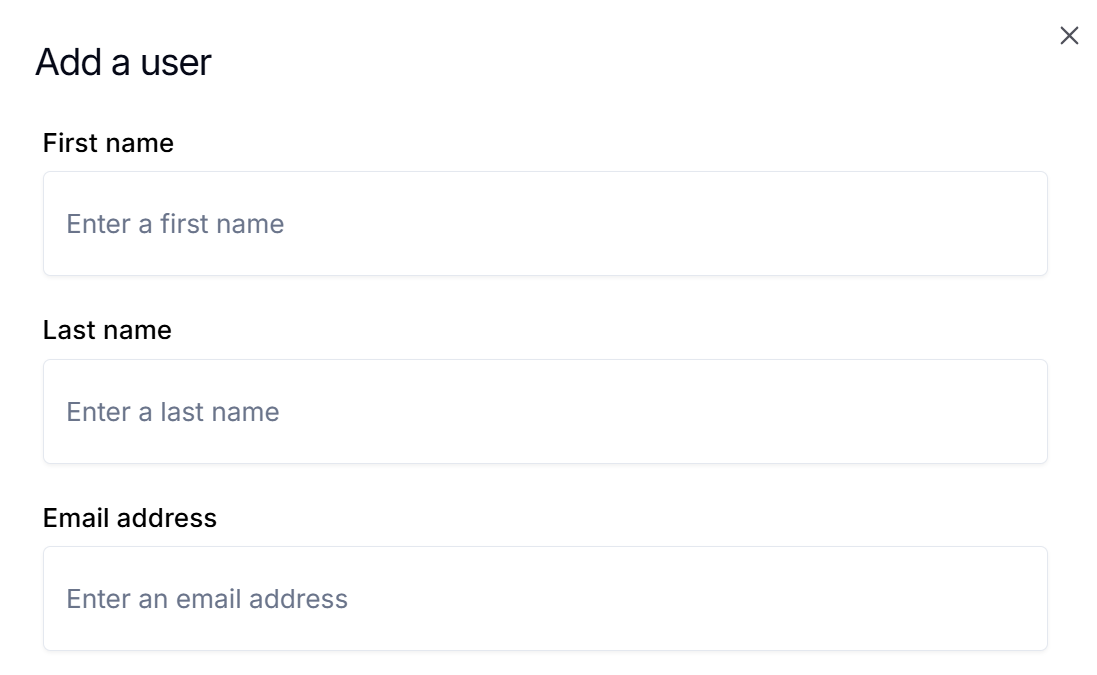
-
You can whitelist the IP address that a specific user can use to log in. This is not a requirement and can be left blank:
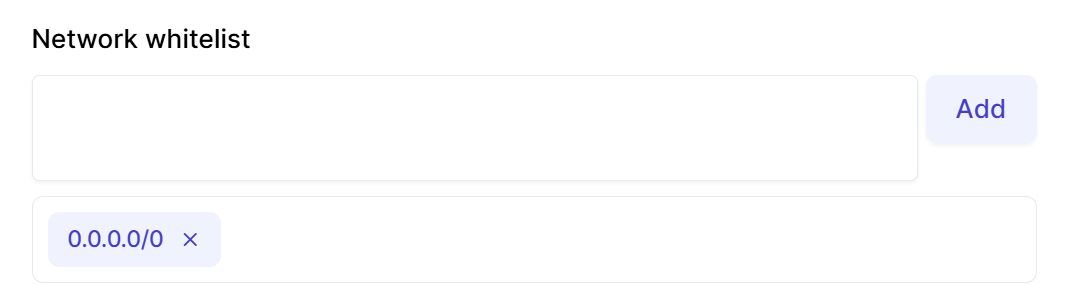
- Assign the relevant roles to the user.
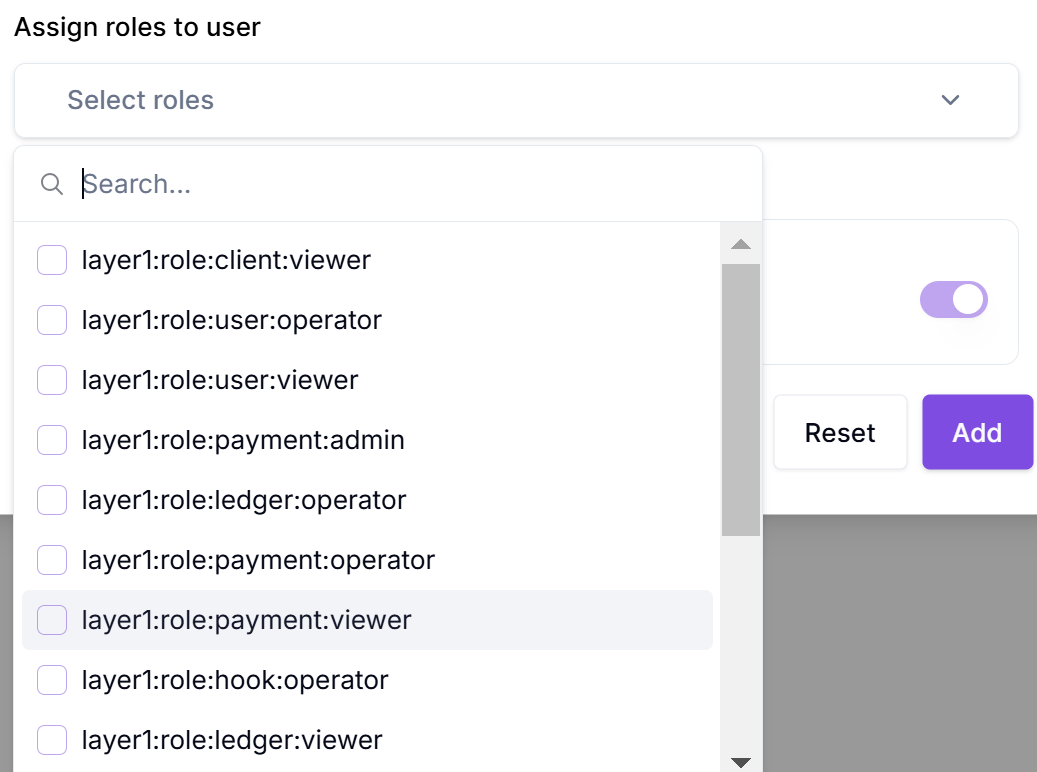
A user can only assign roles to a new user if those same roles have already been assigned to them.
- Click Add. at this point, you have created the user, and an access email would have been forwarded.
Updated 7 months ago
Did this page help you?