

Create a channel
Channels can be created manually or via the API. For manual creation, continue on this page. For the creation API endpoint, see this link.
- Log in to your account portal.
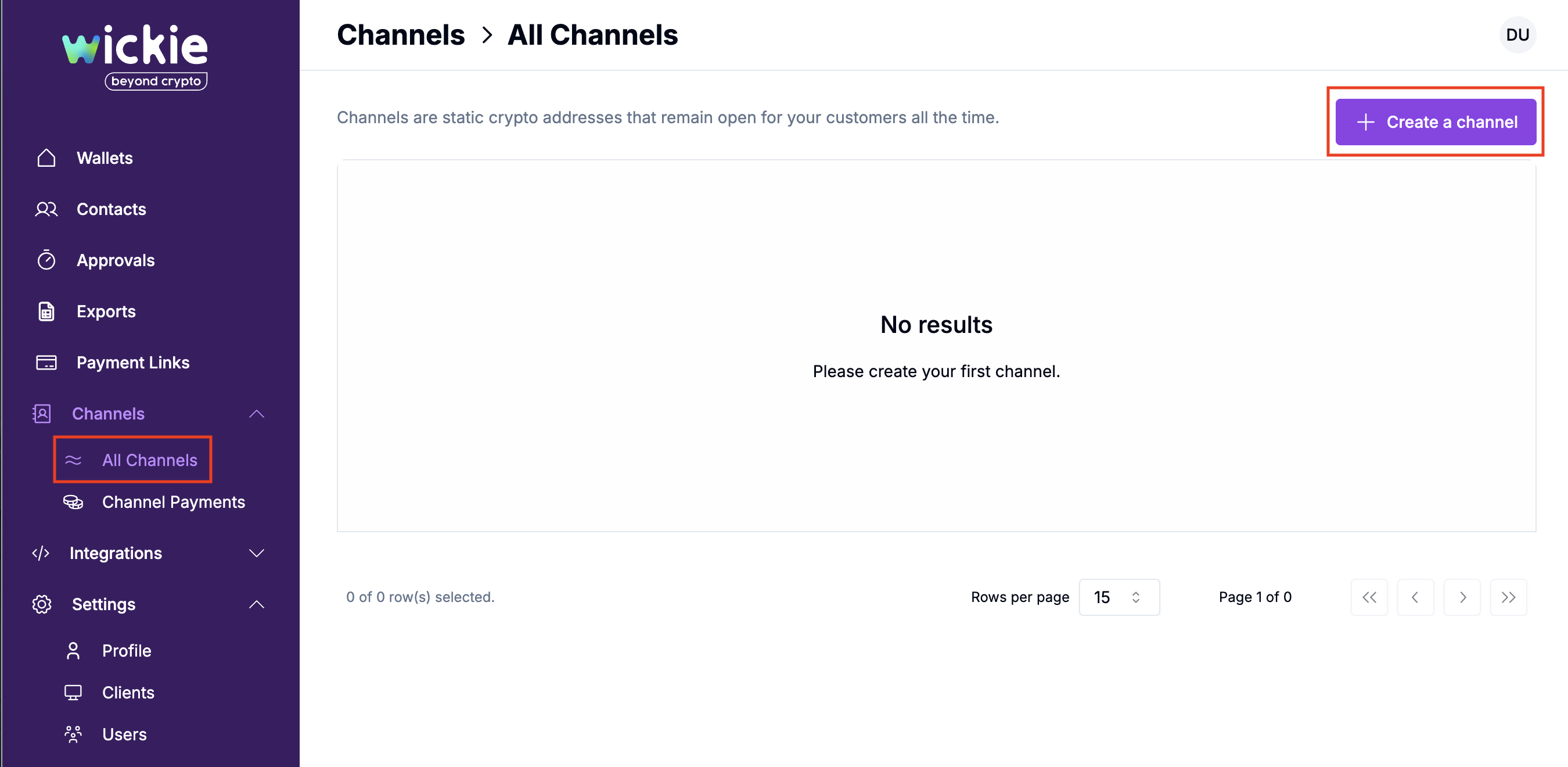
- Navigate to the Channels section and select All Channels.
-
Select Create a Channel in the top-right corner.
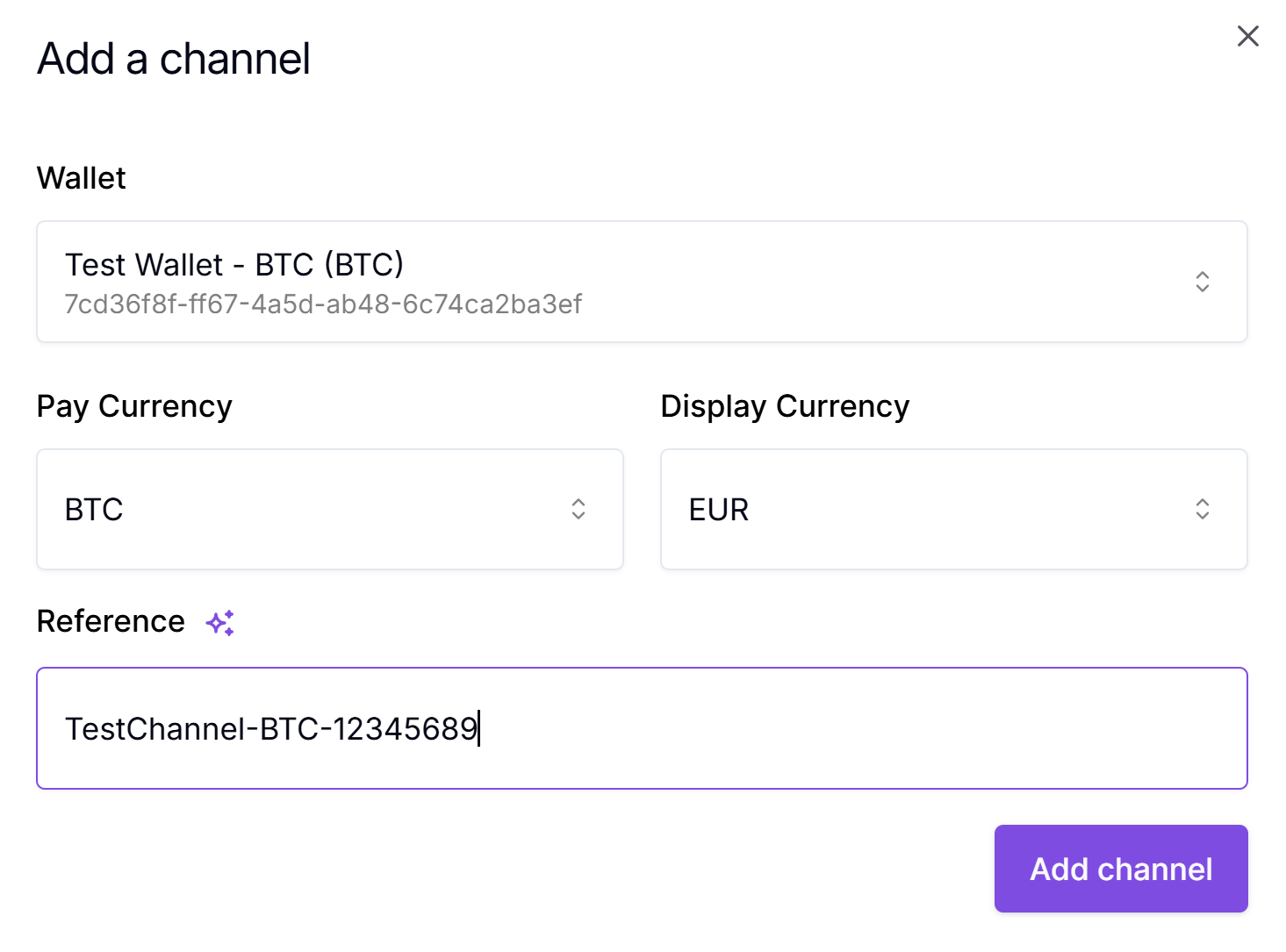
- Select the Wallet you would like to link the Channel to.
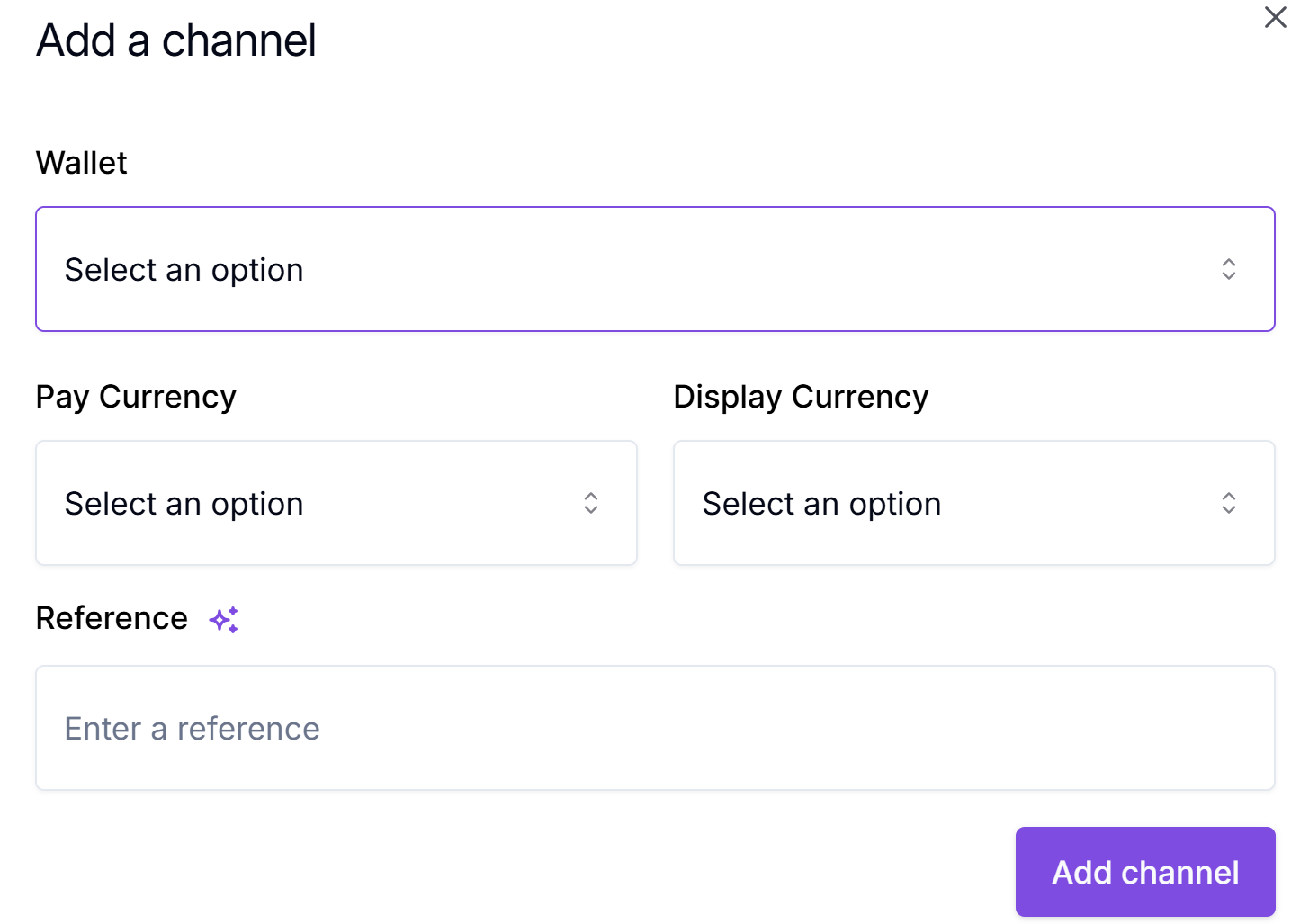
Multiple Channels can be linked to a single Wallet.
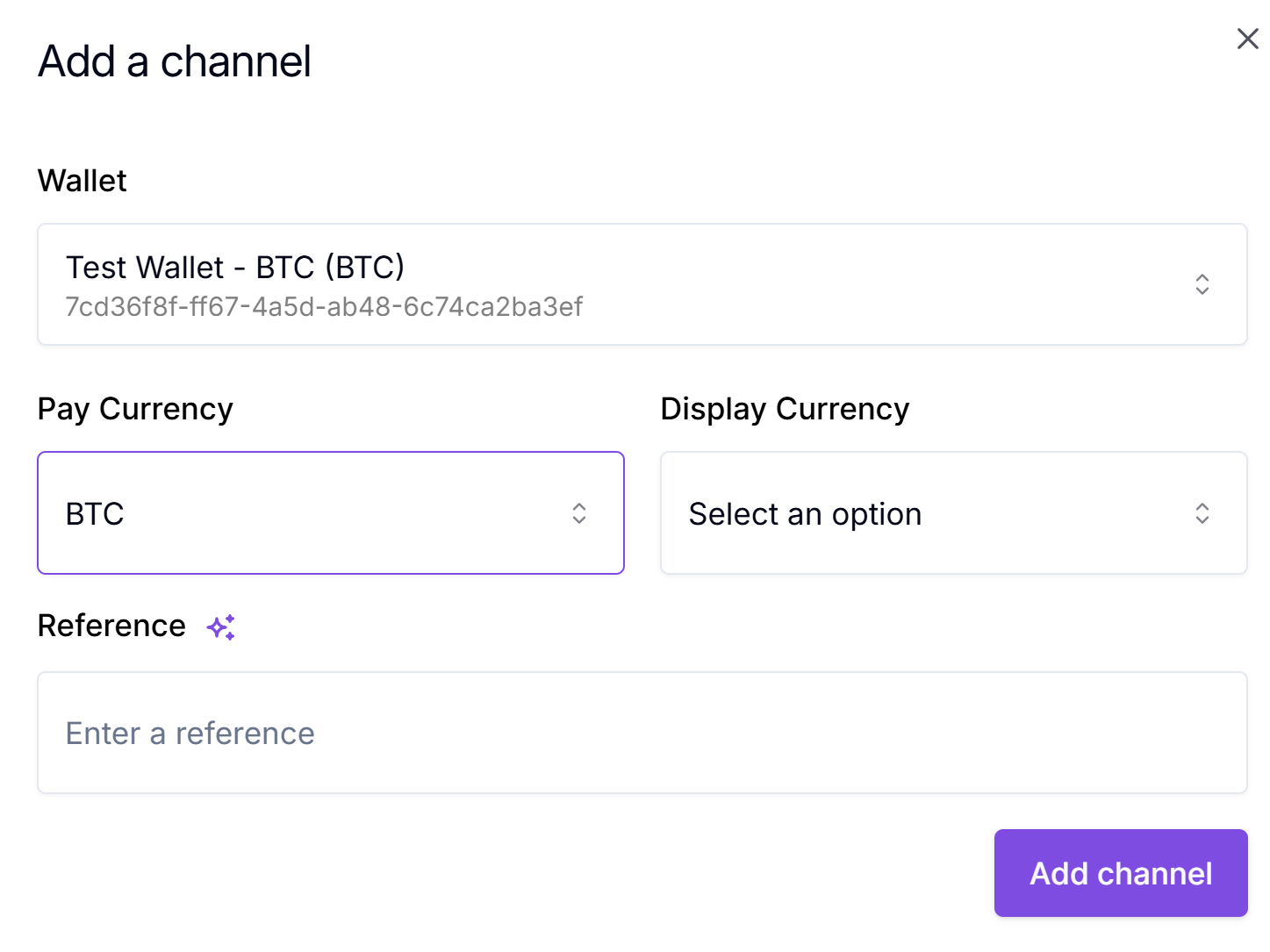
- Select the Pay Currency for this Channel; it is the currency you expect to receive. The currency selected here will generate a corresponding blockchain address.
Example: If you select BTC, the "Channel address" created will be a BTC address.
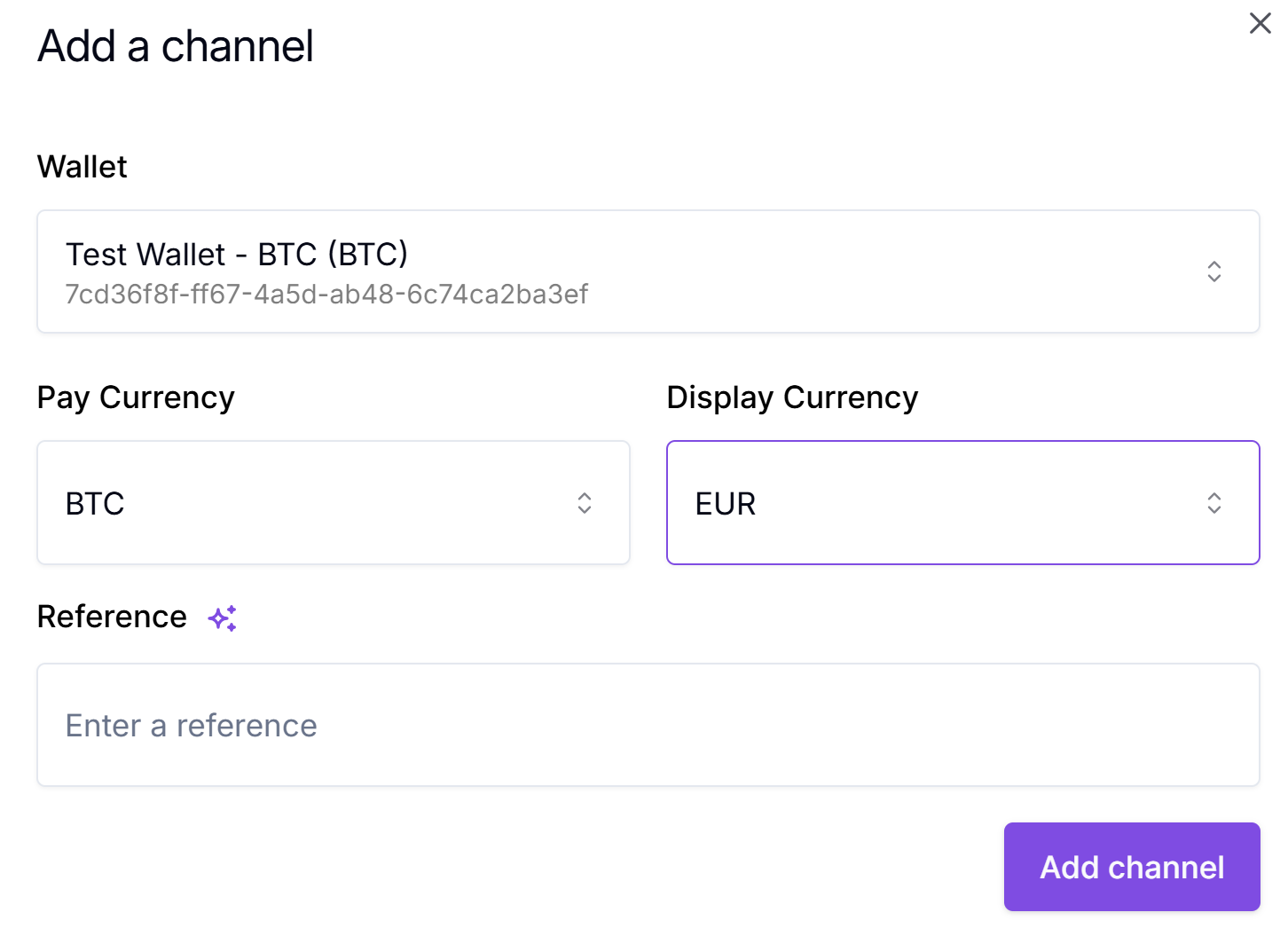
- Select the Display Currency; the "Display Currency" allows you to display the "Pay Currency" to the user in a preferred or standardised currency. This is more relevant to your User Interface functionality.
Example: If you select "Display Currency" as "EUR", it will allow your User Interface to show the "EUR" equivalent of "BTC" expected to be received.
- Enter a Reference; this should be for your internal use to aid in reconciliation and tracking.
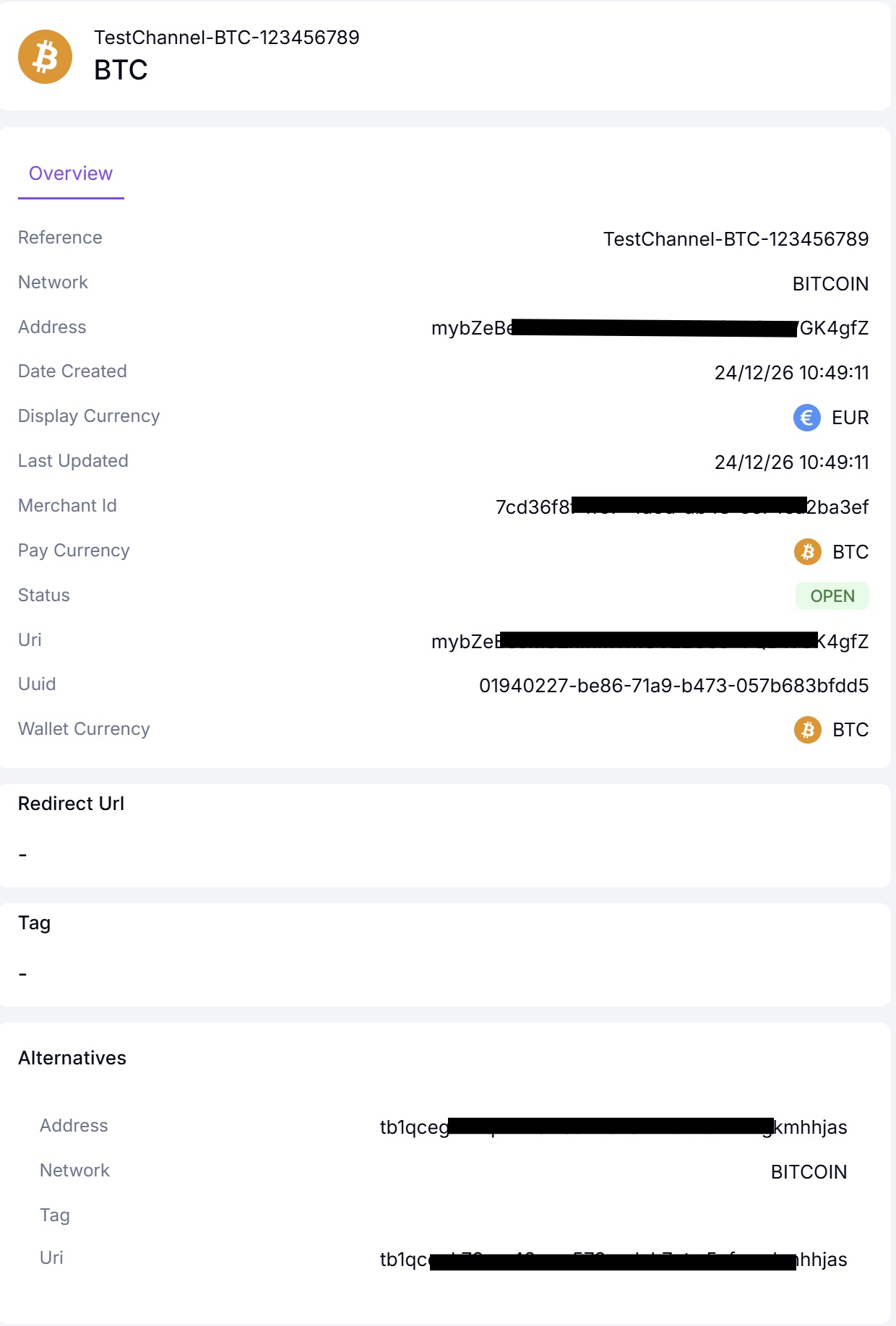
- You have now created your first "Channel". If you click on your "Channel," it will display the relevant details.
Updated 7 months ago
Did this page help you?